The problem
You fill the same form. Forever.
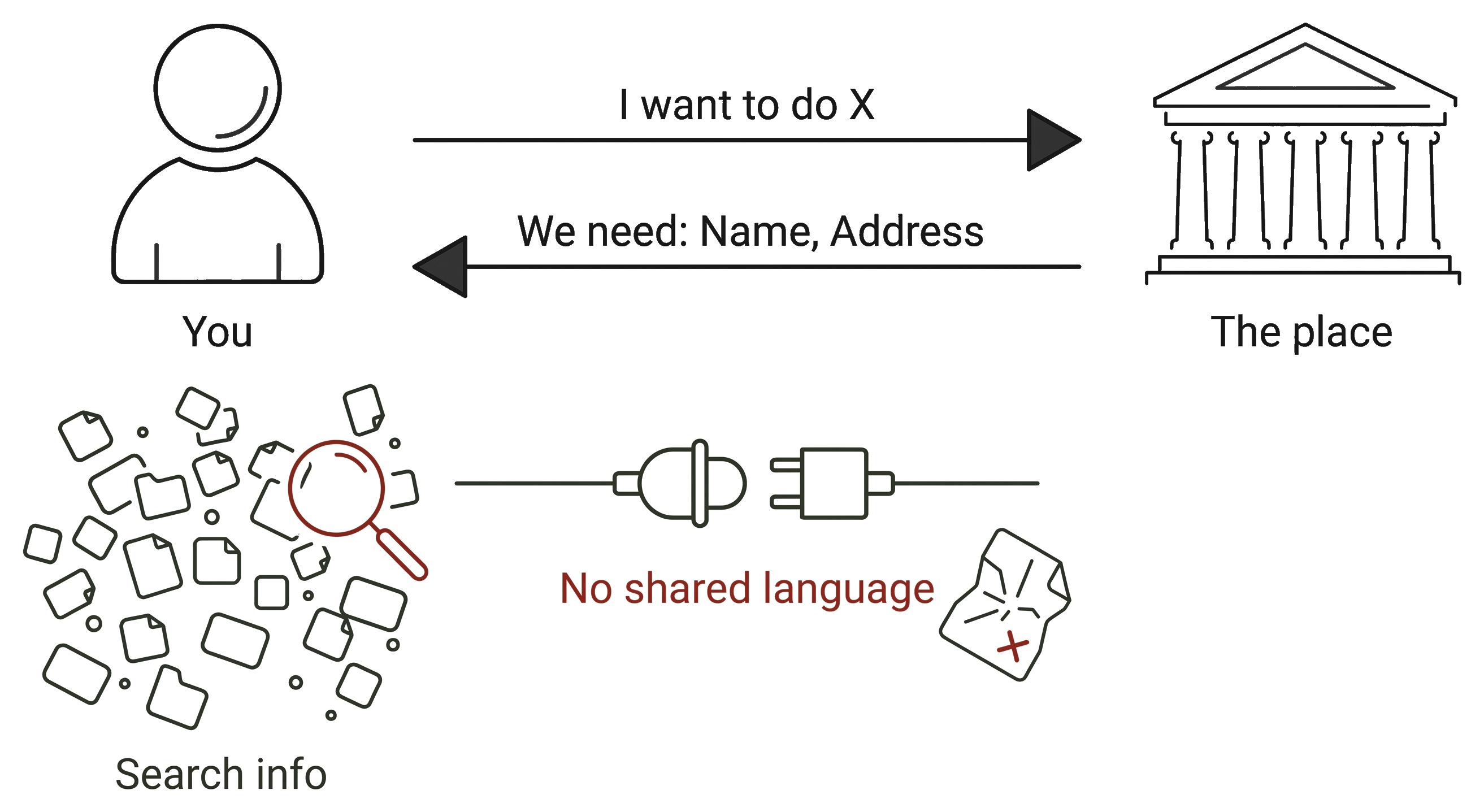
New clinic, new counter, new bank — the same questions, in a language that isn't yours. The answers already live on your phone. They just can't move.
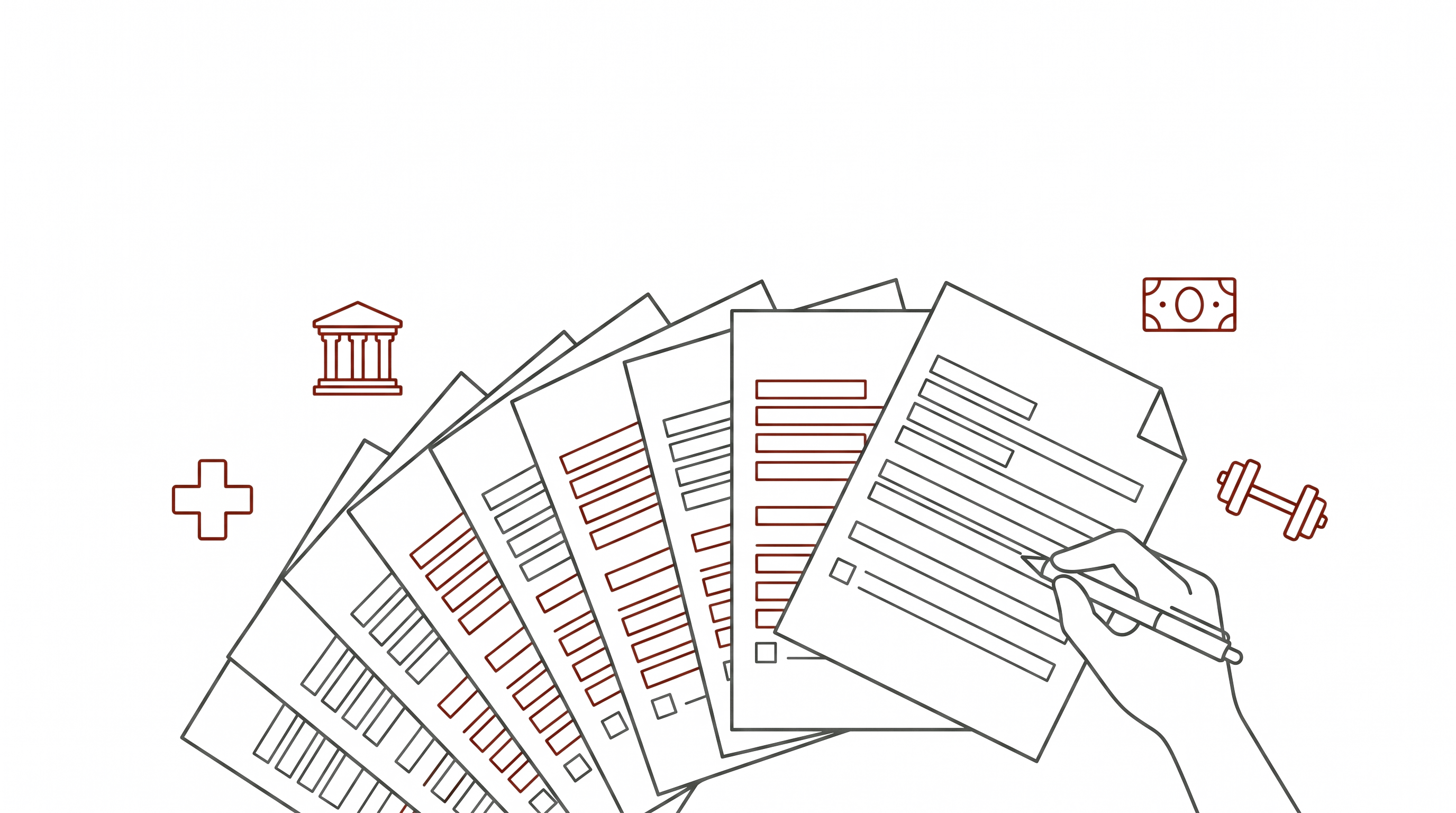
You keep it organized and yours. Any agent can ask — yours answers, only what you allow.
Free for you · your data stays on your phone · Pre-launch
New clinic, new counter, new bank — the same questions, in a language that isn't yours. The answers already live on your phone. They just can't move.
It's scattered across your head, your wallet, and a dozen apps that don't talk to each other — so every place makes you re-enter it by hand. Not even your own AI assistant can carry it across for you. So we built the missing piece: a safe, consented way for your data to move — to a place, or to an agent.
No account to set up, no app to learn. The whole thing takes about four seconds.
Three things change the moment you start tapping.
Share a fact one time and it follows you — the next clinic, counter, or form already knows. No more starting from zero.
One field, not your whole identity. You see exactly what's requested — and the terms — before you confirm.
It goes straight to the place and lives on your phone. We never hold it, never sell it, never see it.
The same rail that moves one fact today lets your phone's own assistant do more for you tomorrow — always with your say-so.
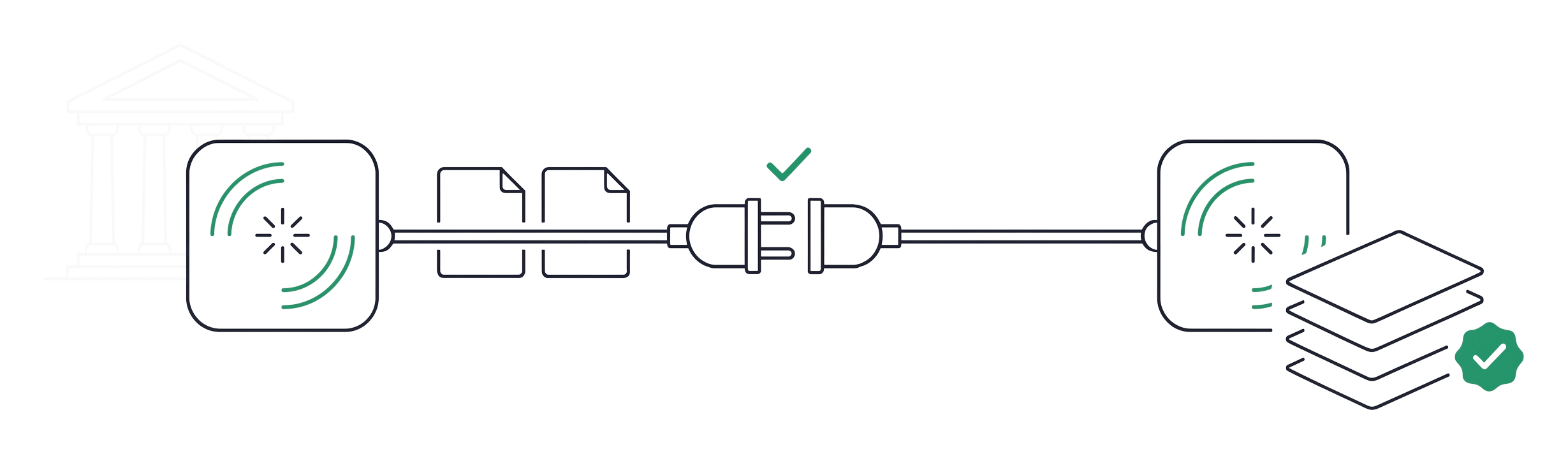
Today's one-tap sharing is what we're launching. The assistant features are our roadmap — built on the same open standards, so nothing you share ever gets locked in.
tap isn't a place your information is stored. It's the moment you hand it over — safely, on your terms, and only when you say so.
No account. It opens in your browser the moment you tap, and your facts are saved privately on your own device — not in our cloud.
Straight to the place you tapped, into their own system. It never passes through us, and we keep nothing. You also get a signed receipt of exactly what you shared, stored on your phone.
No — that's the whole point. Answer a question once and every place that asks for it afterward already knows. Your answers follow you, privately, on your phone.
Whatever a place asks for and you approve — an allergy, an address, a medication. You always see the exact field, and the terms, before you confirm.
That's exactly where we're headed — see Where this is going. Today, one tap shares the single thing a place needs. Next, your phone's own assistant will read the request and fill the whole form for you; in time, it'll handle the back-and-forth and the payment too. You'll always stay in control of every step.
Free for you — places pay to be reachable. We're starting in Tokyo; join the waitlist and we'll tell you when it's live near you.
We're starting in Tokyo. Join the waitlist and we'll reach out when it's live near you.
Free · no account · your data stays on your phone